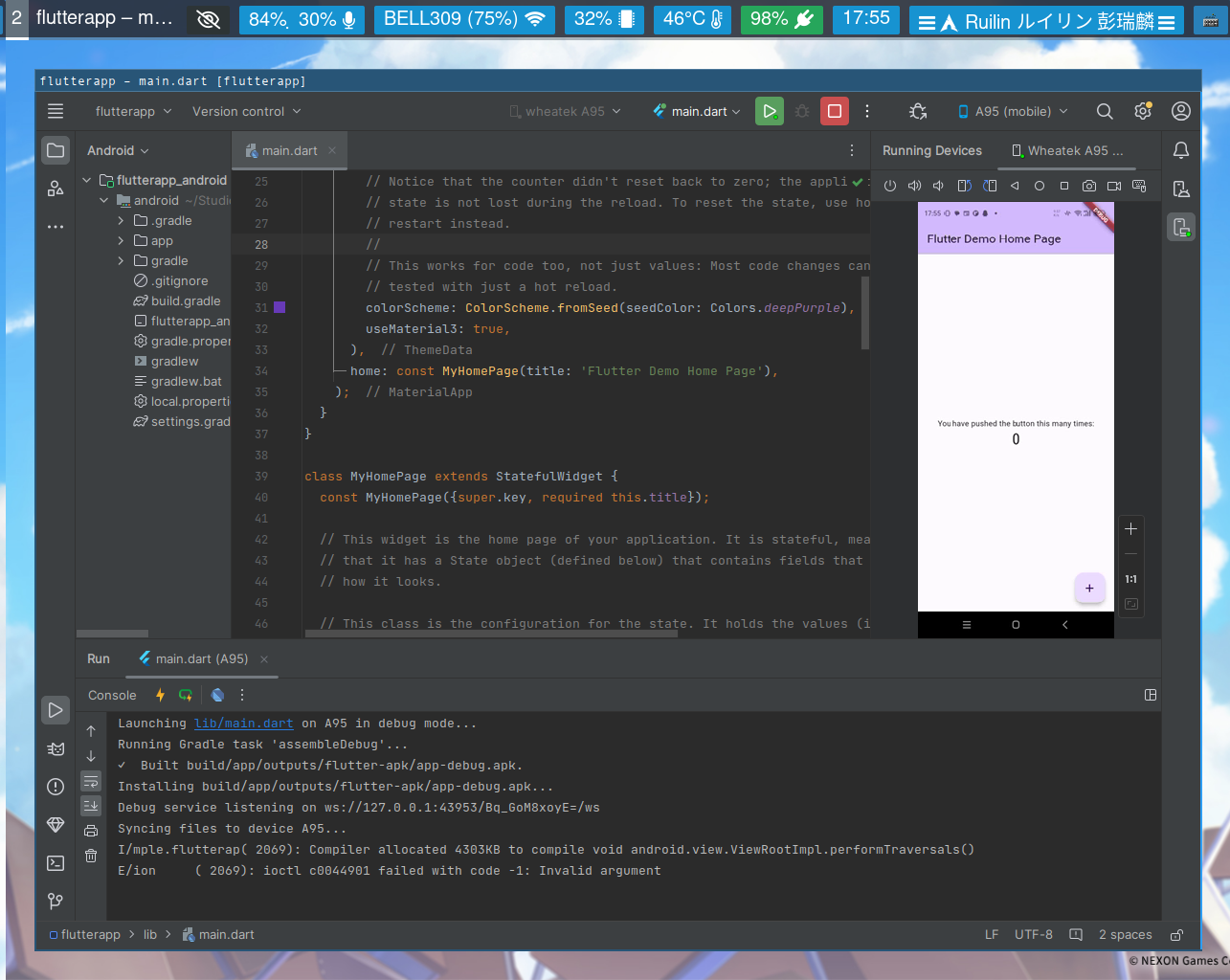
CSC301 flutter setup
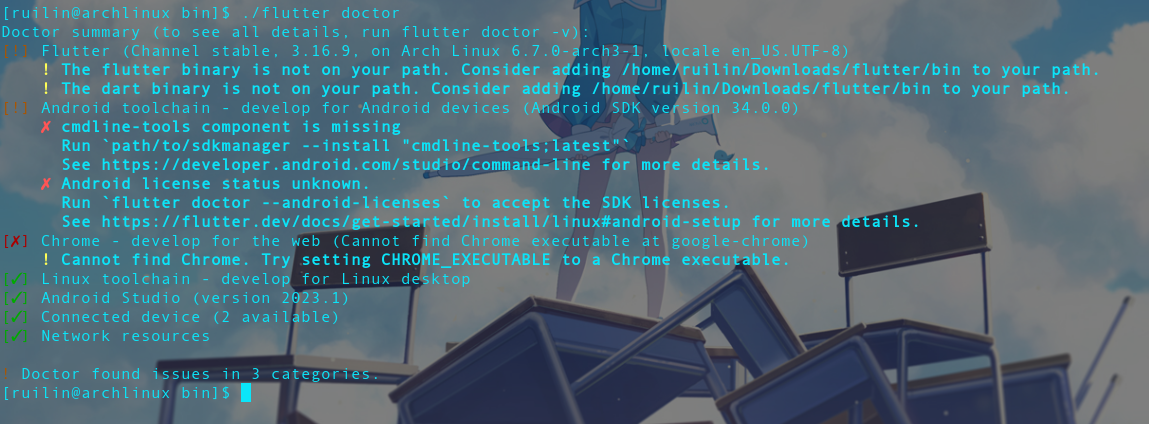
Crash course I recommend⌗
https://codelabs.developers.google.com/codelabs/flutter-codelab-first#0
1 Install Flutter⌗
https://docs.flutter.dev/get-started/install
To check dependencies
flutter doctor -v
2 Devices⌗
Well, of course, there are two types of devices that can be used for debugging, actual device and virtual device. By default we have the computer which can be used, if we have the option of the OS:
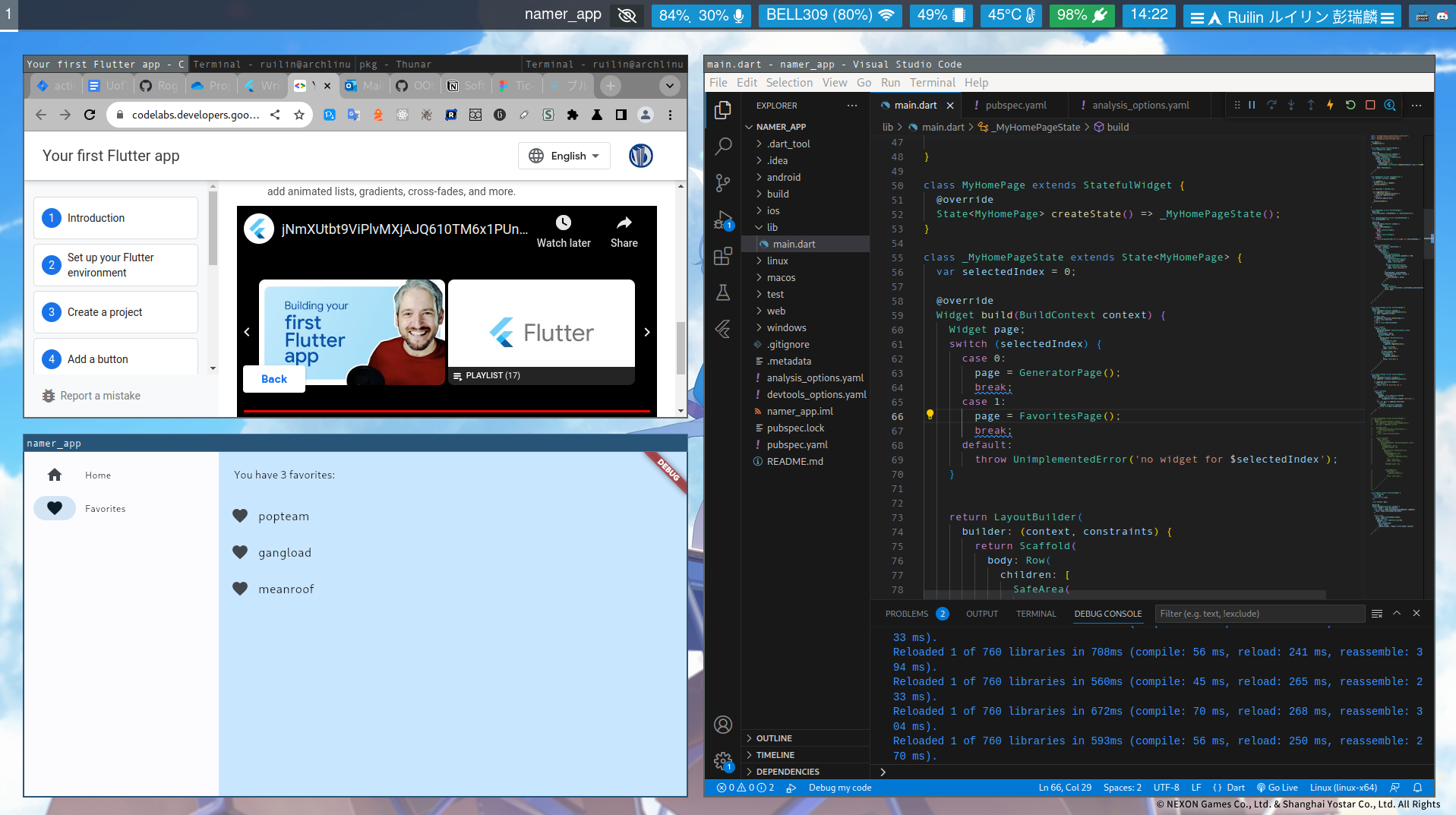
As for mobile(Let’s say android, cause I only have android). It could be either a mobile connected through adb(USB or tcp) or an emulator on our computer(which is actually also connected through adb)
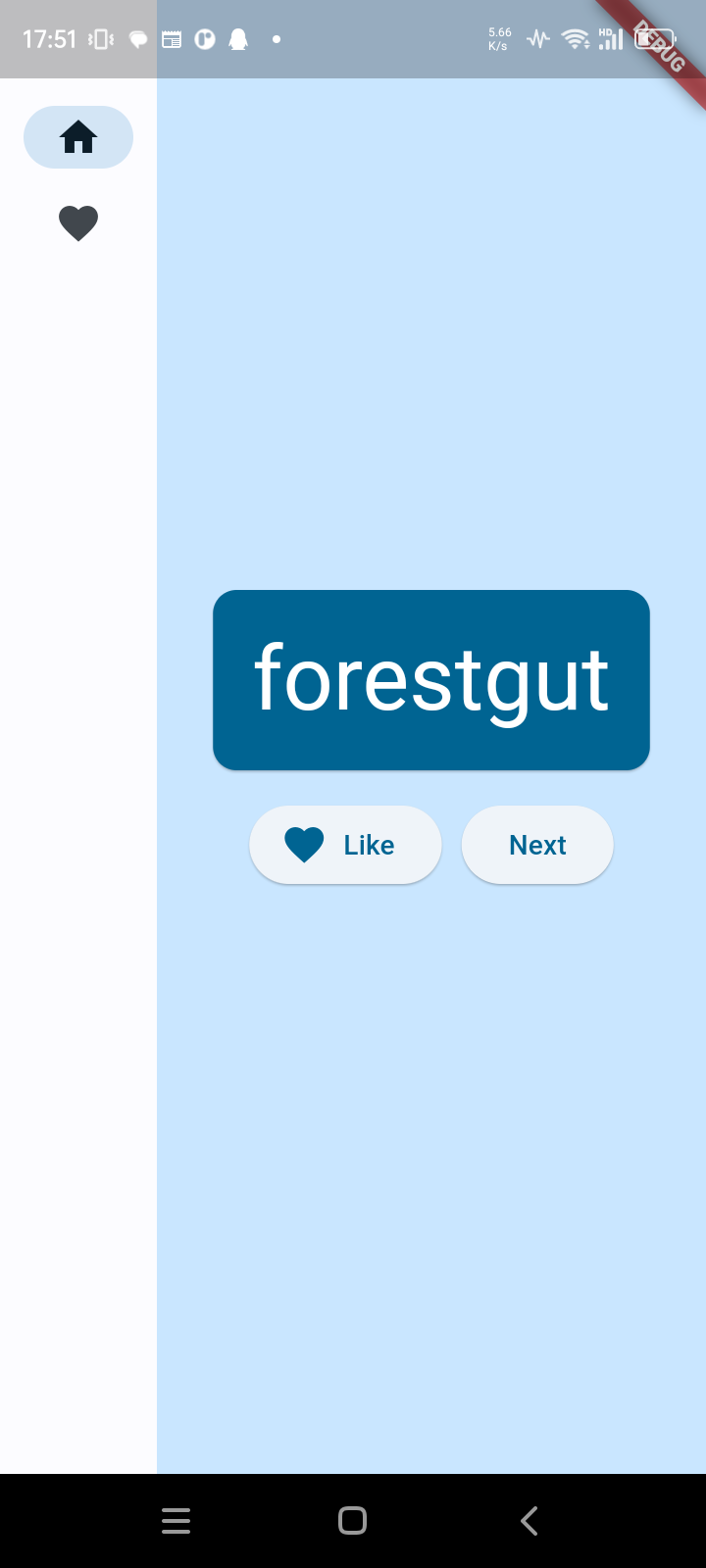
 ^ Actual phone, screen copy can be seen in other sections of this post.
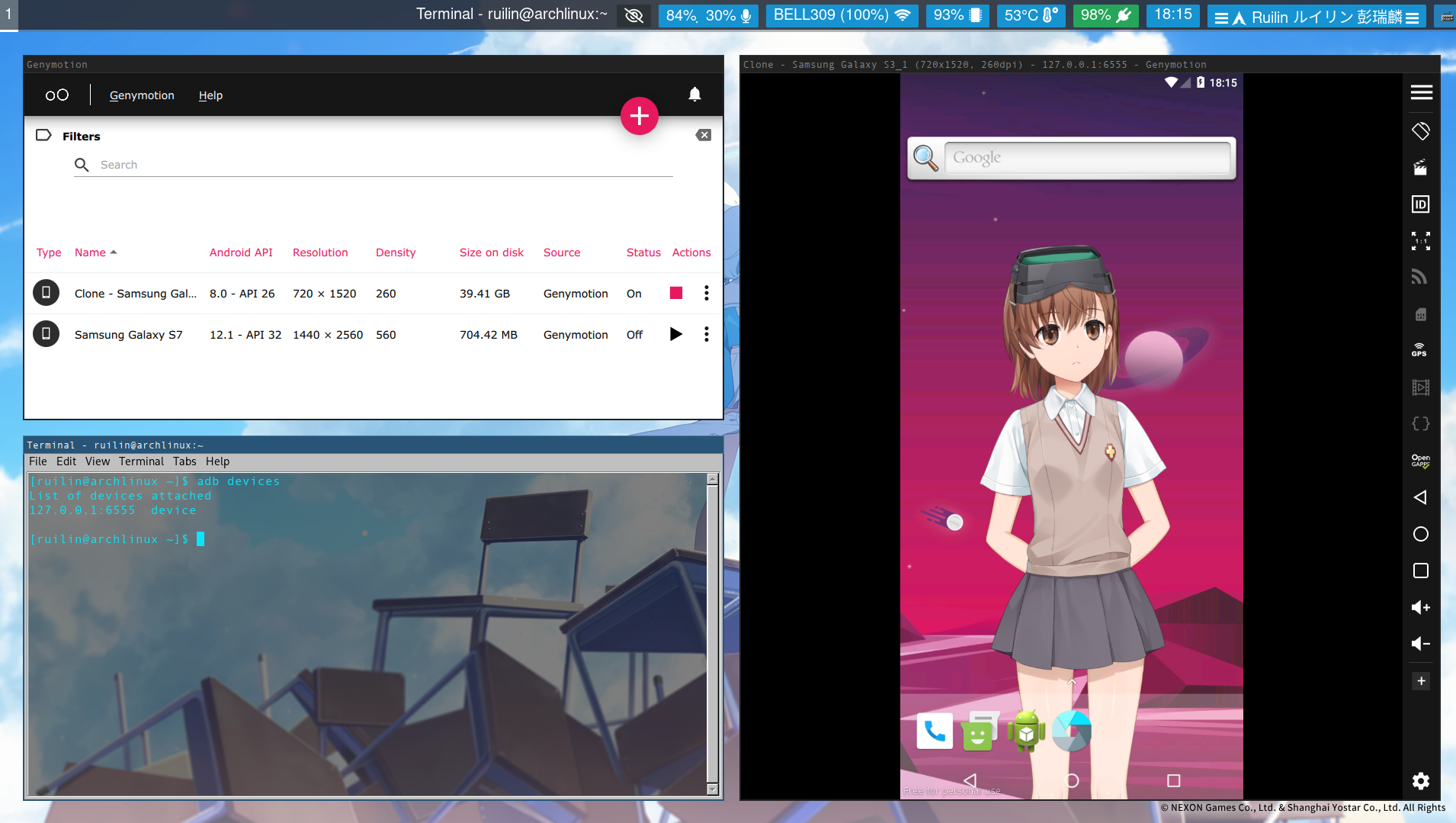 ^ Emulator, has to be running in order to be detected
3 Run in VScode⌗
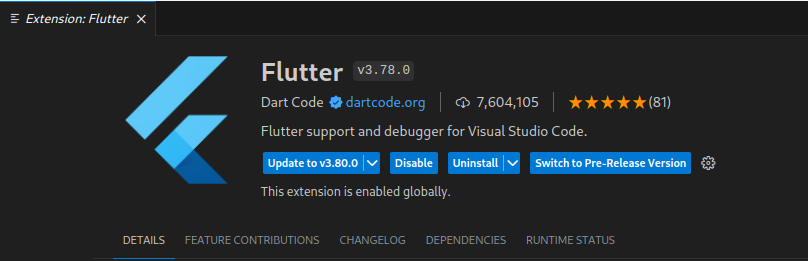
Install this plugin. It should also prompts you to install dart and sdks:
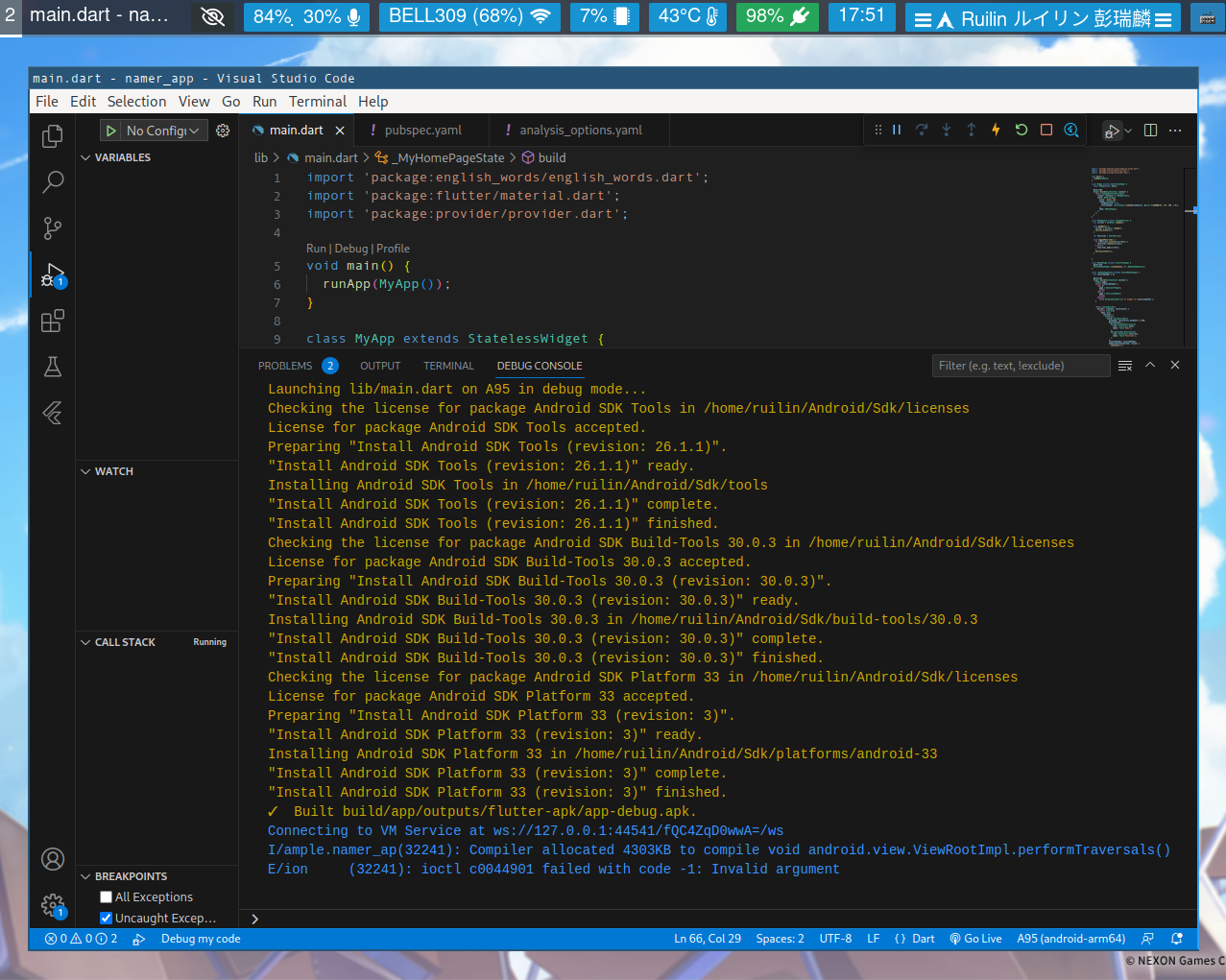
To create one: F1 > type “Flutter” > select “Flutter: New Project”
4 Run in Android Emulator⌗